Managing your health online

Using an online form - Accurx

There are many things you can do online at our surgery. Some tasks you can do using a website called Accurx where you can:

  • request an appointment
  • request a sick note
  • ask about test results
  • contact us about an admin request

You don’t need an account to use this website.

Accurx 2

Using your NHS account/NHS App or Patient Access

There are other tasks you can do online, like:

  • order repeat prescriptions
  • view your test results
  • see parts of your health record
  • check or cancel appointments
  • see your vaccination record

For these, you can use your NHS account/NHS App or Patient Access. You can access them using their websites or apps.

Setting up an NHS account/NHS App

To set up your NHS account for the first time, you will need to set up an NHS login. Read about how to set up NHS login (nhs.uk).

Once you have set up your NHS login, you can log in to your NHS account or download the NHS App onto your phone.

Setting up Patient Access

To set up Patient Access for the first time:

  • visit the surgery with photo ID so we can confirm your identity
  • we will give you a username and password
  • go to Patient Access or use the app to register

AccuRx


Accurx is a software provider, trusted by the NHS and chosen by us to help coordinate your care.

We will use AccuRx to contact you easily, manage your care remotely and offer you the best patient experience possible.

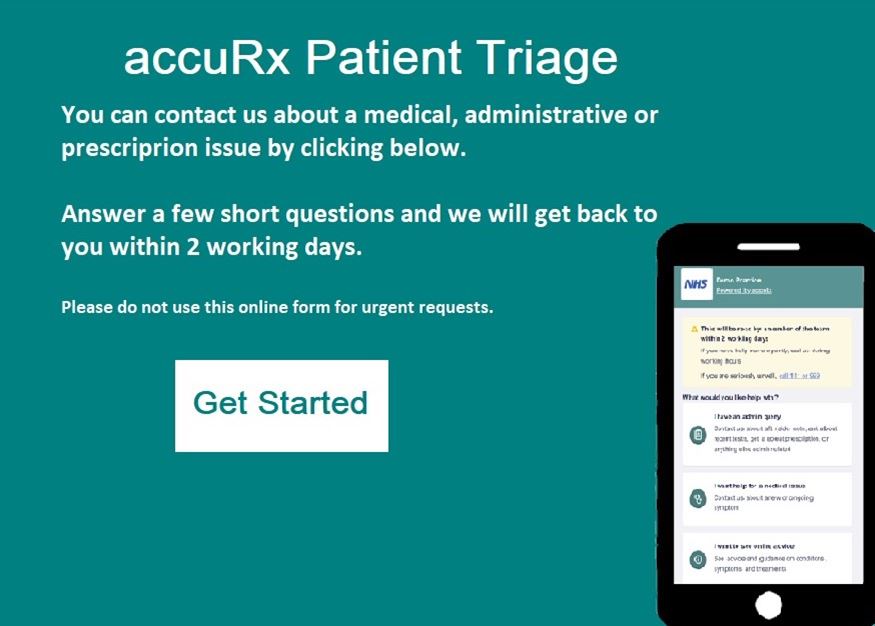
AccuRx Patient Triage

AccurX Patient Triage runs alongside our phone system, giving you choice on how you contact us. We want to make sure patients are getting the advice they need at the right time from the right person the first time they contact the surgery.

You will be able to;

  • Request a doctor's note
  • Request a fit (sick) note
  • Ask questions or get an update on a referral
  • Request your Repeat Prescription
  • Follow-up on Test Results (Blood Test, Scans, etc.)
  • Any other advice or information that is not medical related
  • Access information about Self referrals
  • Submit a non-urgent medical request

How do I use Patient Triage?

  • Click on 'submit a new request' above, or download the NHS app
  • Select either admin or medical request
  • Confirm this is a non-urgent request
  • Write the request to the practice, giving as much information as possible
  • Tell the practice how you want to be contacted
  • Enter your details
  • Press submit!

Page last reviewed: 06 May 2026
Page created: 19 March 2025